Features

One consultation, start to finish: test, analyse and treat in one application, with every result saved straight into the patient’s record.

01

Test

Binocular vision tests on a tablet.

02

Analyse

Results, calculations and a PDF report.

03

Treat

Visual therapy in practice or at home.

Electronic Health Record

Where every consultation starts and ends. A dedicated record for each patient visit, with all of Eyeli’s digital tests one tap away.

Read the EHR guide

Digital Tests

Efficient for practitioners. Engaging for patients. Interactive near and distance vision tests that score themselves and save straight into the patient record.

Read the binocular vision A to Z

Test Results

From raw data to meaningful insight. Every recorded, calculated and derived result in a single view inside the patient record.

Read the test results guide

Visual Report

Turn results into communication. A structured, patient-friendly report compiled automatically from the consultation and edited by you.

Read the visual reports guide

Remote Visual Therapy

Therapy in practice, at home, or both. A digital visual therapy module that lets you follow each patient’s progress remotely.

Read the visual therapy guide

1 / 20

Everything your practice runs on.

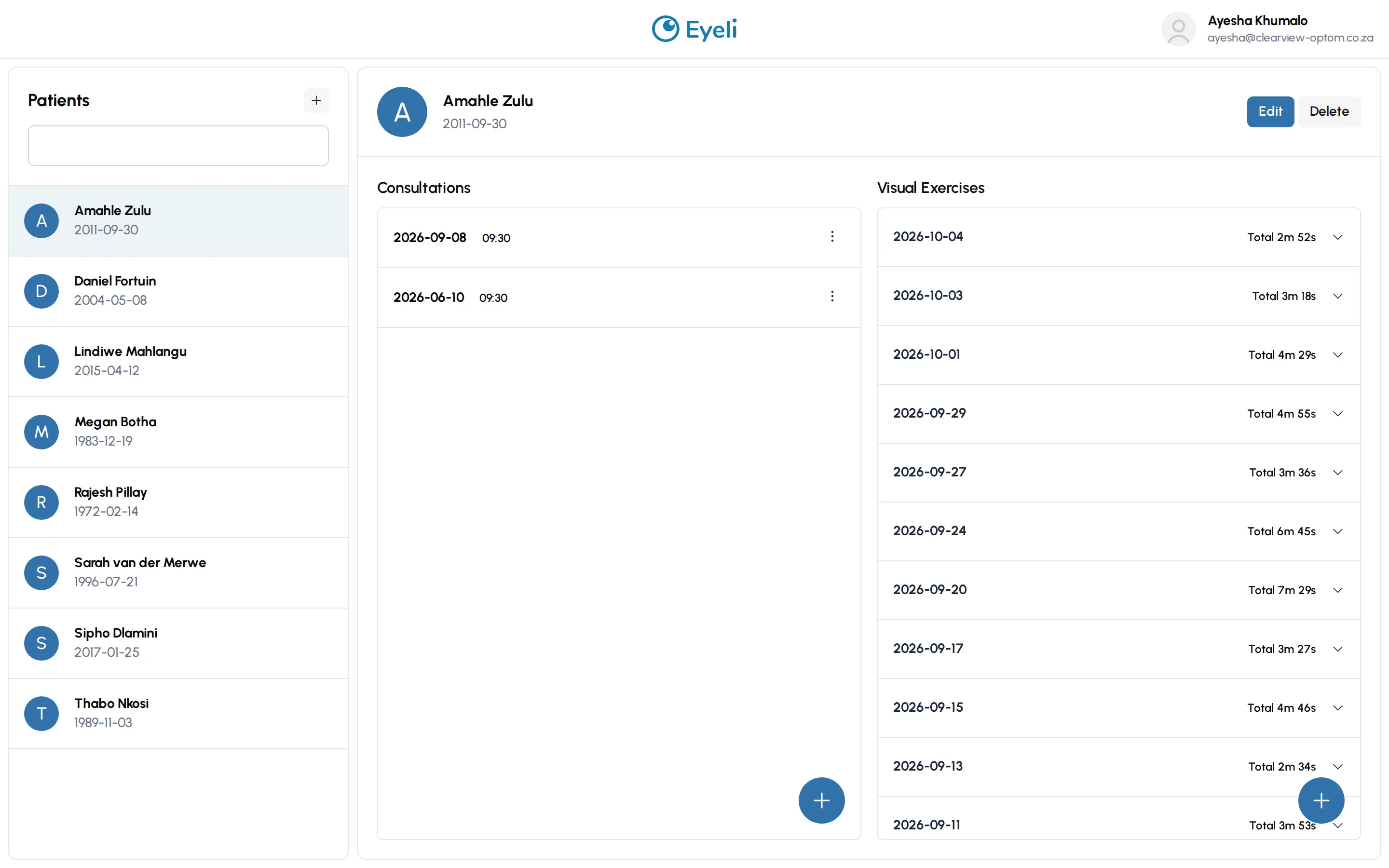
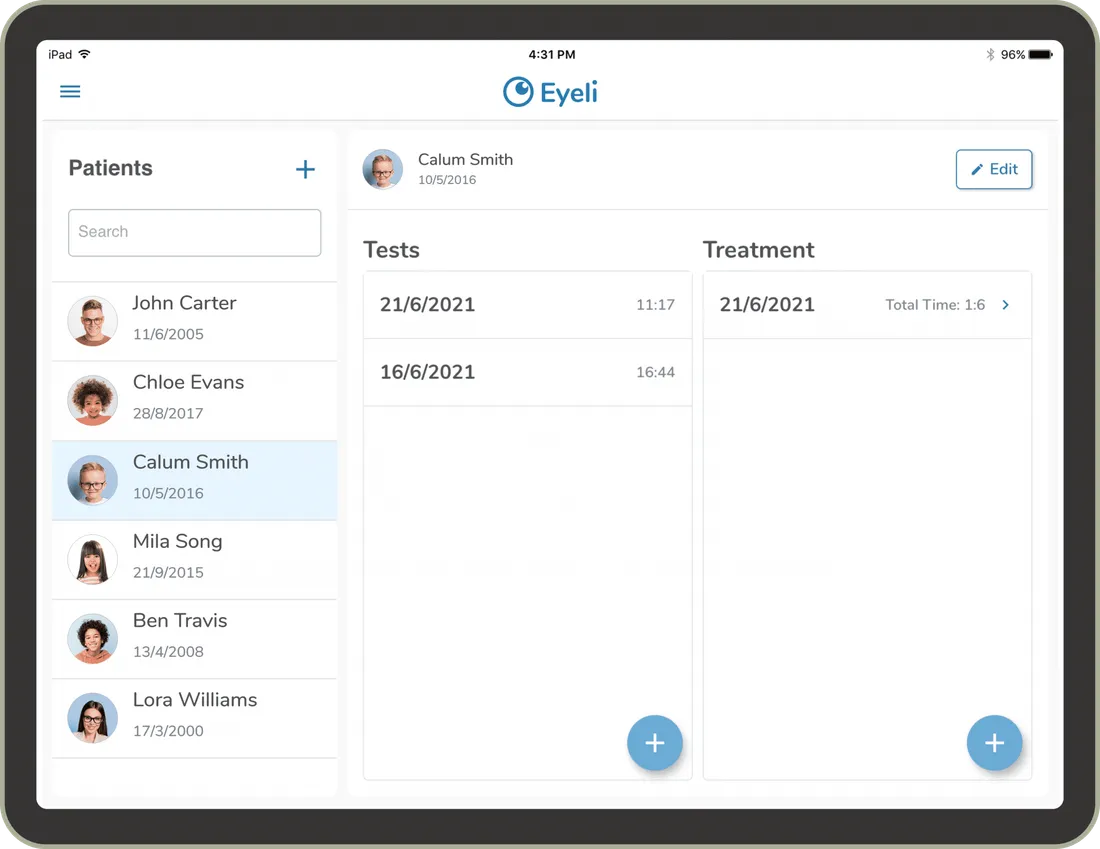
Eyeli patient directory screen

Patient directory

Every patient, test history and report in one searchable place.

Auto-calculated results

No hand scoring, no spreadsheet, no transcription errors.

Professional reports

Share or print a branded summary the moment testing ends.

Guided visual therapy

Assign exercises and follow progress session by session.

Installs like an app

Add Eyeli to your home screen for one-tap, full-screen access - no app store.

No additional binocular vision equipment needed

A tablet or computer along with standard anaglyphs and flippers is all that is needed.

Try every feature yourself.

This is the real Eyeli app on a sample practice. Open a patient and their consultation as the practitioner, then switch to the patient view to see the exercises they do at home. It resets on every load, so nothing is saved.

The Eyeli practitioner view: a patient list on the left, and a selected patient's consultations and visual exercises on the right

Still have questions?

Chat to us.
Someone from the team will answer.

Read the docs

Tap the image to zoom