
Overview
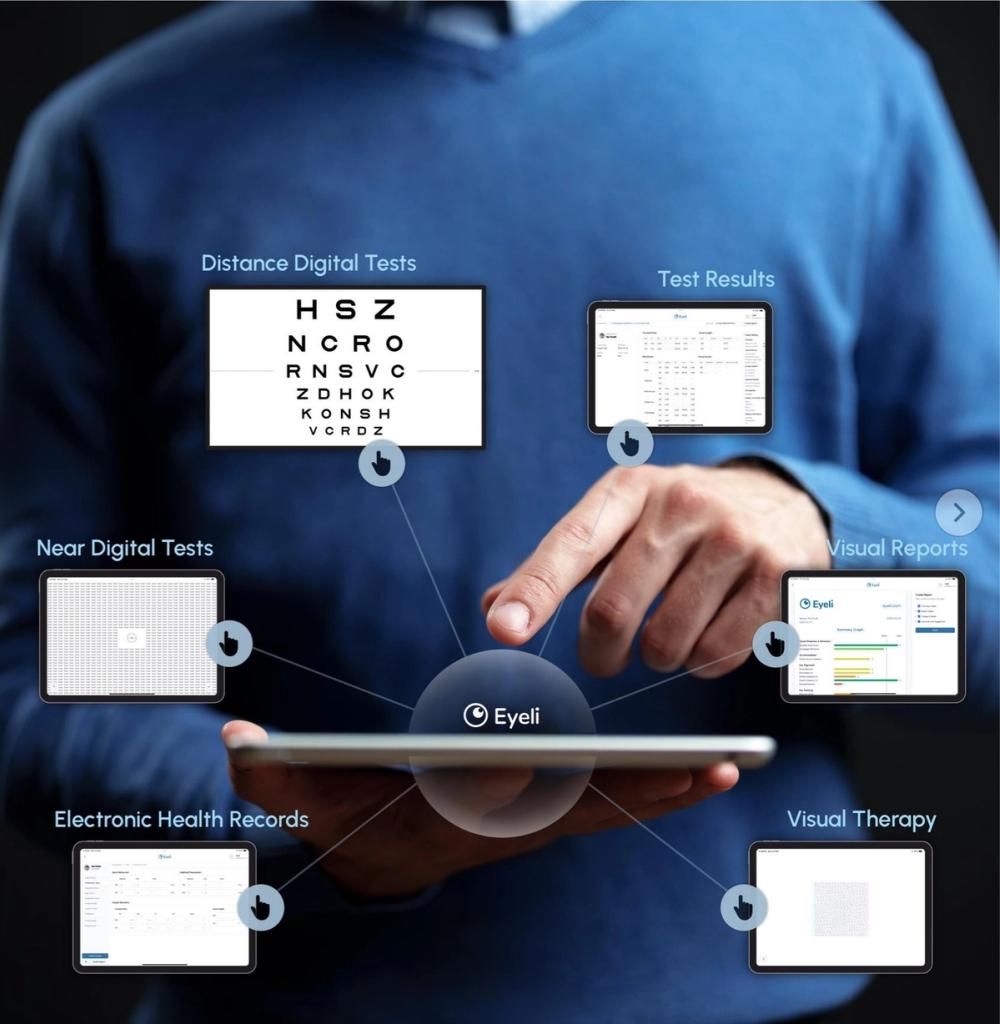
Eyeli brings your full consultation workflow into a single, unified application.
How it's structured
Eyeli combines digital testing, patient records, reporting, and visual therapy into one application, so a consultation runs start to finish without leaving Eyeli.
What Eyeli lets you do
- Electronic Health Records (EHR) - the central hub every consultation flows through
- Near Digital Tests - run built-in digital tests at near, with results captured automatically
- Distance Digital Tests - the same, at distance, on a wall-mounted screen
- Test Results - a single, consolidated view of every result and calculation
- Visual Reports - generated reports backed by the latest peer-reviewed treatment information
- Visual Therapy - in-practice or at-home exercises for accommodation, eye teaming, vergence, and eye movement
The workflow, step by step
1. Test your patients
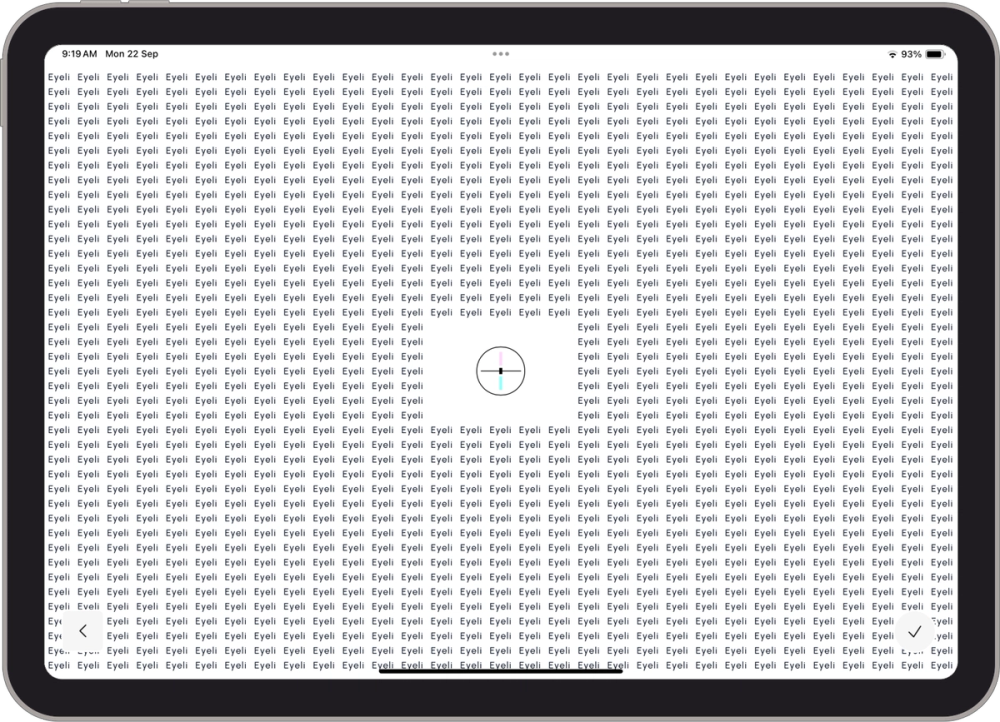
Run built-in digital tests that automatically calculate and capture results - covering visual acuity, colour vision, contrast sensitivity, accommodation flexibility, binocular acuity, stereo acuity, phoria, fixation disparity, and fusional reserves.
- Visual acuity
- Colour vision
- Contrast sensitivity
- Accommodation flexibility
- Binocular acuity
- Stereo acuity
- Phoria
- Fixation Disparity
- Fusional Reserves
2. Record the details
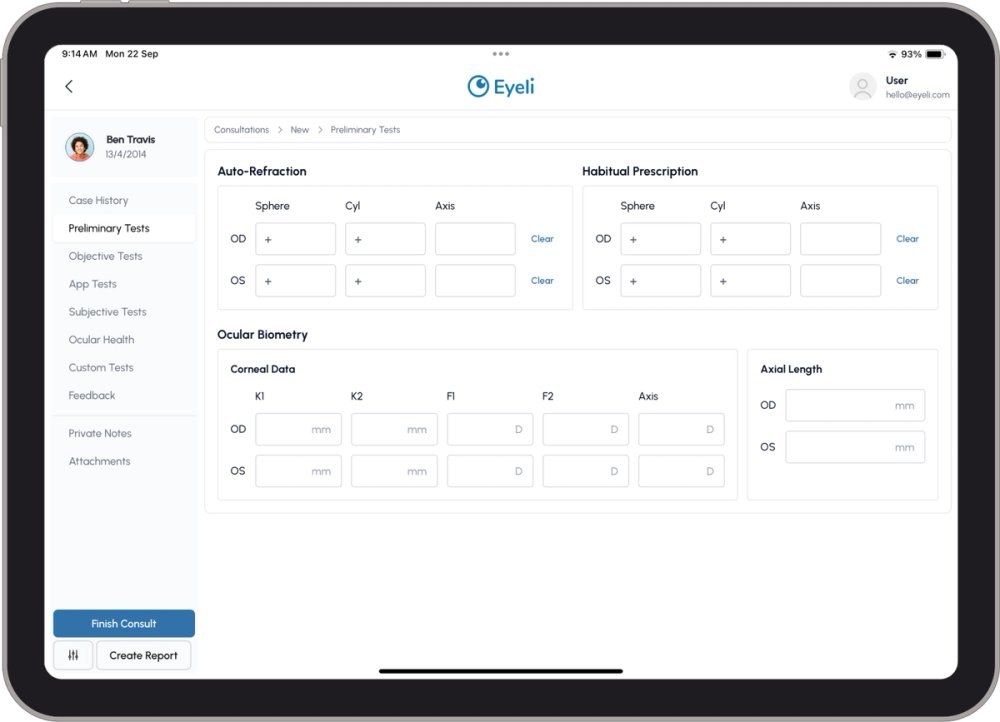
Add additional information - manual test results, notes, and attachments - directly into the patient record.
- Manual test results
- Notes
- Attachments
3. View the results
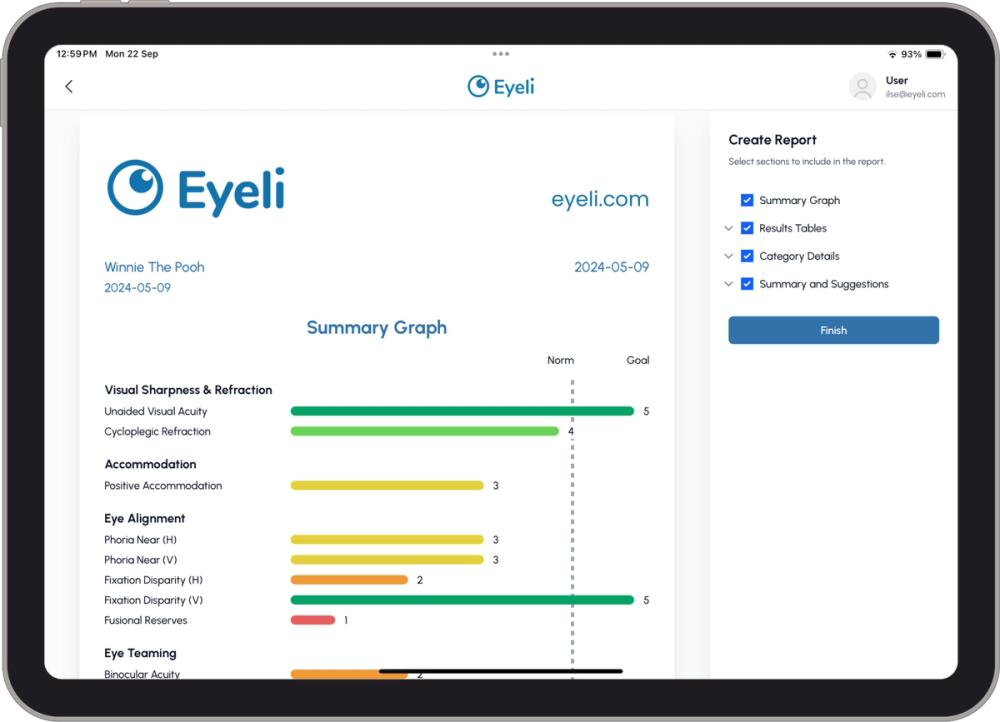
Get a detailed results overview throughout the consultation - every consultation result, additional automated calculations, the latest relevant treatment information from peer-reviewed studies, and a PDF report.
- All consultation results
- Additional automated calculations
- Latest relevant treatment information from peer reviewed studies
- PDF Report
4. Treat what you find
Treat binocular vision in-practice, or remotely with online visual therapy, for accommodation flexibility, eye teaming, vergence, and eye movement.
Who it's for
| Role | How they use Eyeli |
|---|---|
| Optometrists | Full consultation workflow - testing, recording, reporting |
| Ophthalmologists | Clinical records, digital assessments, visual reports |
| Orthoptists | Binocular vision testing, visual therapy programmes |
| Vision Therapists | In-practice and at-home therapy delivery and monitoring |
| Administrative Staff | Patient profile creation and record management |
Core principles
Unified workflow - Test results automatically flow into the patient EHR without manual entry. There is no re-keying of data between steps.
Multi-device - Works on tablets, smartphones, laptops, desktops, and wall-mounted distance screens, all synced in real time.
Cloud-based - Accessible at app.eyeli.com from any supported device. No local installation required.
Myopia management
Alongside binocular vision testing, Eyeli includes a built-in myopia management module: a myopia risk assessment, an axial length chart that plots a patient’s axial length against a standardized norm curve, and up-to-date information on the latest myopia treatment options and their efficacies.
Next steps
- Install Eyeli - add Eyeli to your device for quick access
- Launch Eyeli - log in and get your first consultation running
- Subscription Plans - Essential vs Premium